> For the complete documentation index, see [llms.txt](https://docs.magecomp.com/llms.txt). Markdown versions of documentation pages are available by appending `.md` to page URLs; this page is available as [Markdown](https://docs.magecomp.com/magento-2-mobile-login-extension/mobile-login-in-default-signup-and-login.md).
# Mobile Login in Default Signup & Login
The extension binds Mobile login option & verification with default Magento 2 signup & sign in forms.
* **Default Magento 2 Customer Registration Form:**
OTP Timer in Default Magento 2 Customer Registration Form
Resend OTP in Default Magento 2 Customer Registration Form
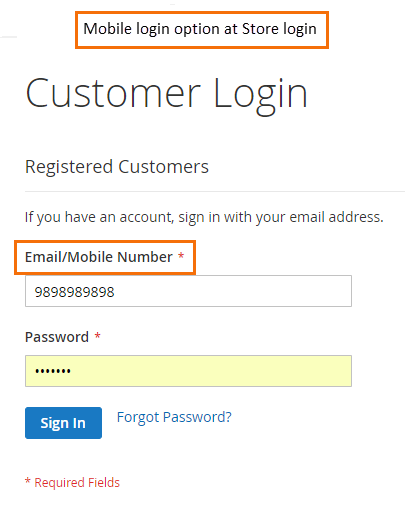
* **Default Magento 2 Customer Login Form:**
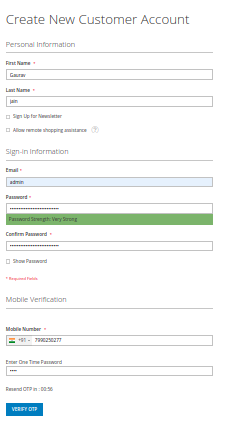 Resend OTP in Default Magento 2 Customer Registration Form
 * **Default Magento 2 Customer Login Form:**