> For the complete documentation index, see [llms.txt](https://docs.magecomp.com/llms.txt). Markdown versions of documentation pages are available by appending `.md` to page URLs; this page is available as [Markdown](https://docs.magecomp.com/magento-2-razorpay-payment-gateway/api-key-and-api-secret-key.md).
# API Key & API Secret Key
**Step 1:** Sign in/Login to the **Razorpay Account.**
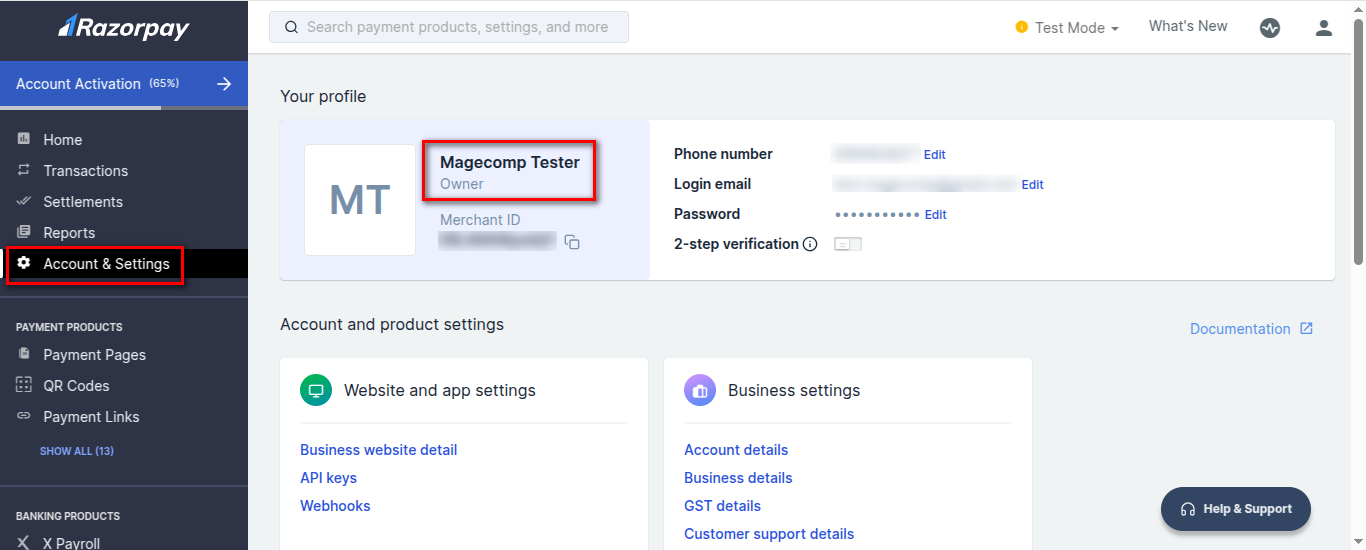
**Step 2:** Now, click on **Account & Settings** to get the Merchant Name.
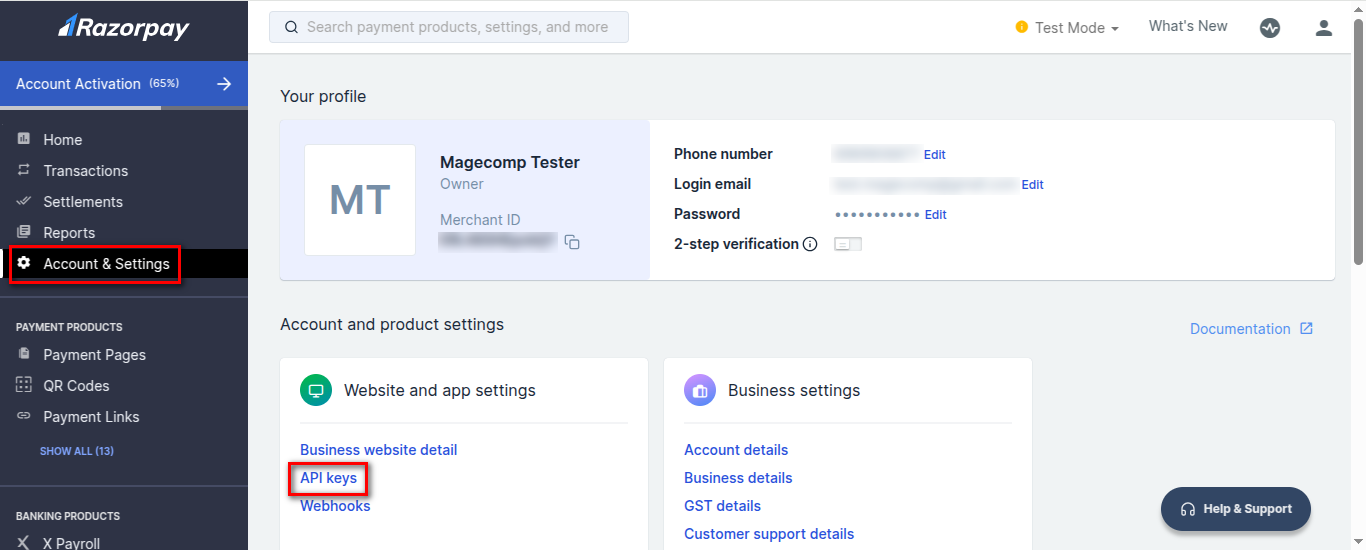
**Step 3:** Now, from the Account & Settings section, click on **API Keys**.
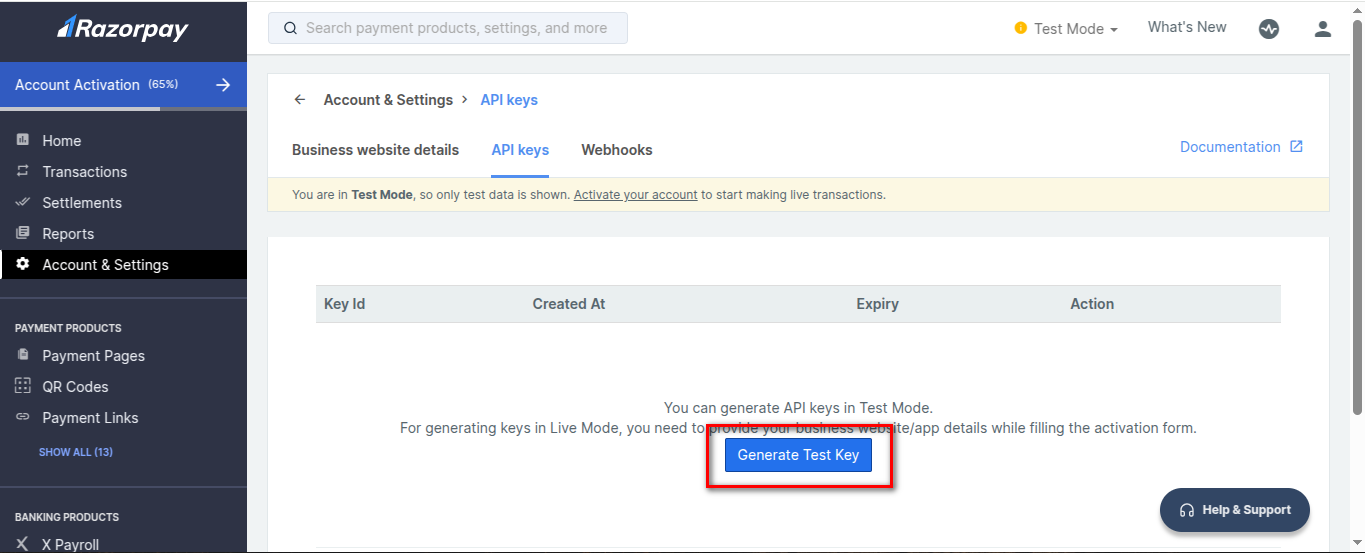
**Step 4:** Next, click on **Generate Test Key** to get the **API Key** and **Secret API Key**.