> For the complete documentation index, see [llms.txt](https://docs.magecomp.com/llms.txt). Markdown versions of documentation pages are available by appending `.md` to page URLs; this page is available as [Markdown](https://docs.magecomp.com/magento-2-razorpay-payment-gateway/webhook-setup.md).
# Webhook Setup
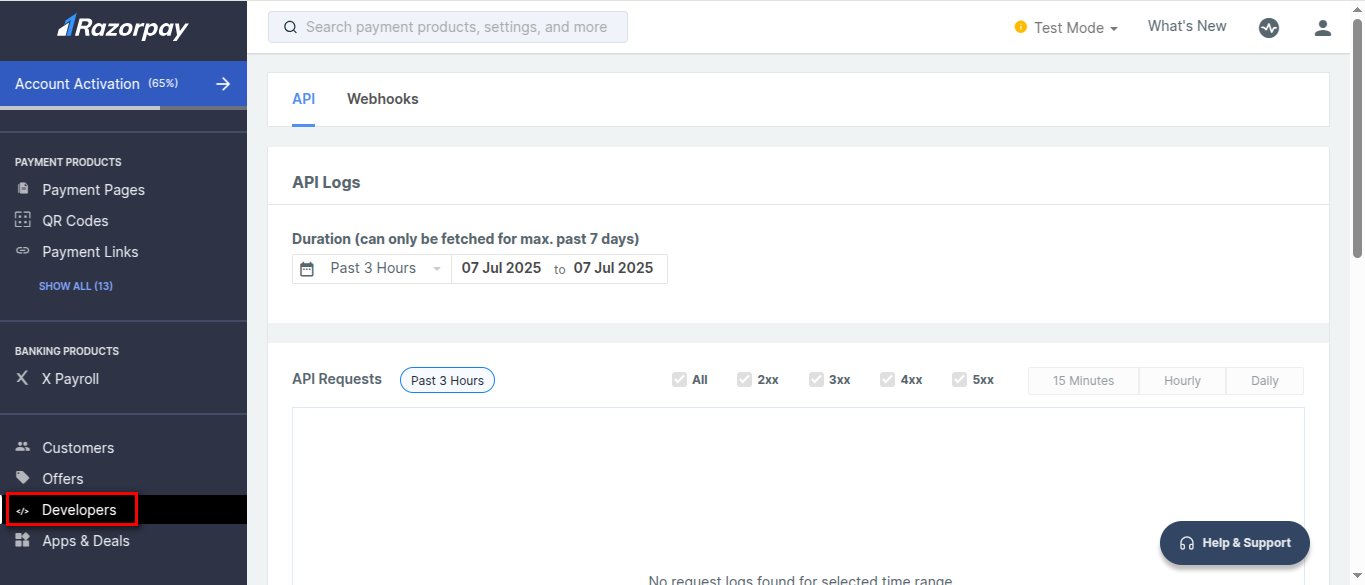
**Step 1:** From your Razorpay Account dashboard, click on **Developers**.
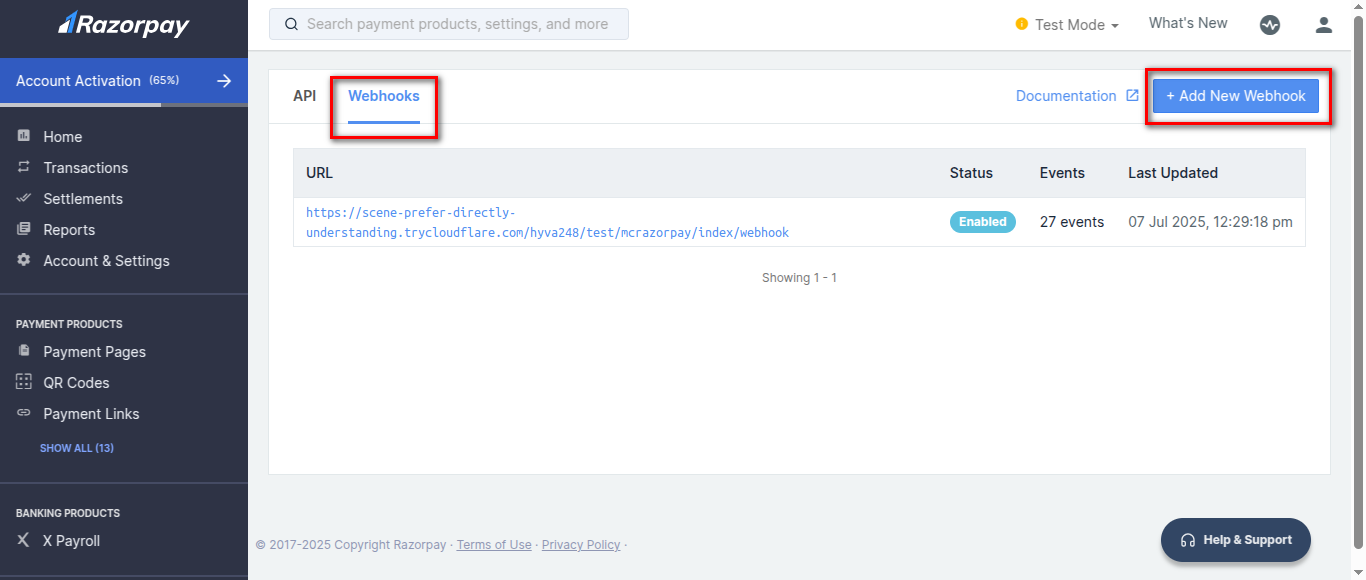
**Step 2:** Click on the **Webhooks** tab and press the **Add New Webhook** button.
**Step 3:** Enter Webhook details.
* **Webhook URL -** Copy Webhook URL from Magento backend configuration and paste it here.
* **Secret -** Enter the secret key for security reasons.
* **Alert Email -** Add the email to receive alerts of webhooks.
* **Active Events -** Select the active events.
After adding all details, click **Create Webhook**.