> For the complete documentation index, see [llms.txt](https://docs.magecomp.com/llms.txt). Markdown versions of documentation pages are available by appending `.md` to page URLs; this page is available as [Markdown](https://docs.magecomp.com/magento-2-sms-notification-extension-pro/otp-verification-in-frontend.md).
# OTP verification in frontend
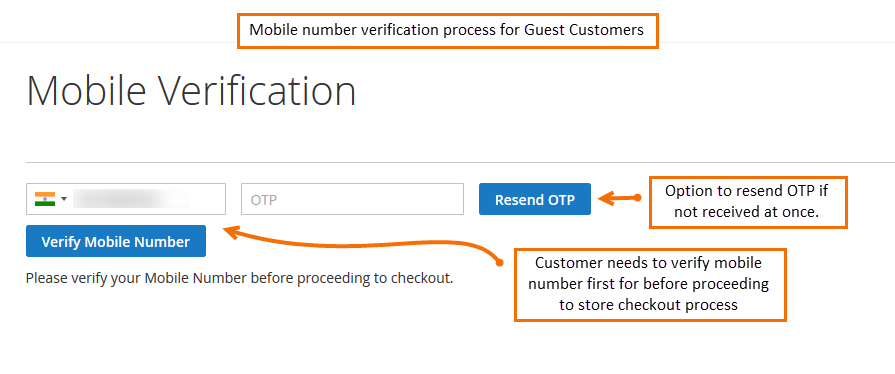
Once SMS notification is configured, the extension requires the user to verify the mobile number before placing an order for the first time. Enter mobile number and click Send OTP to get OTP on the entered mobile number.
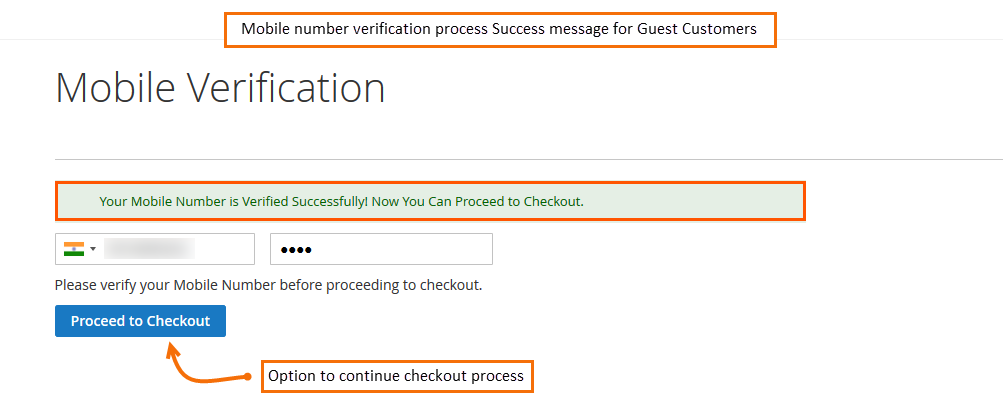
After successful completion of verification, the mobile number will be saved to a customer account. And the customer can proceed further to continue the checkout process.