> For the complete documentation index, see [llms.txt](https://docs.magecomp.com/llms.txt). Markdown versions of documentation pages are available by appending `.md` to page URLs; this page is available as [Markdown](https://docs.magecomp.com/magento-2-ebs-payment-extension/in-frontend.md).
# In Frontend
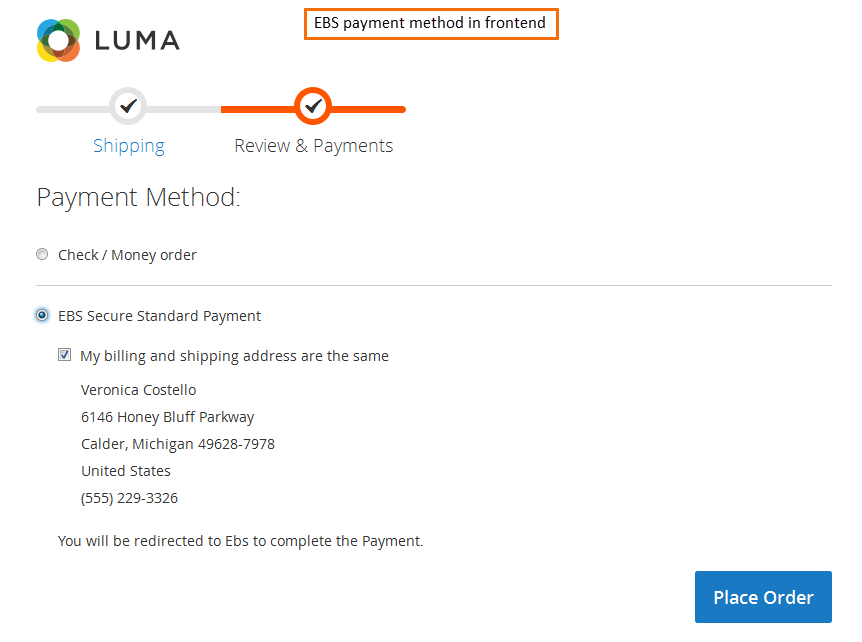
Once you have successfully configured EBS Payment, you can see it enabled in frontend.
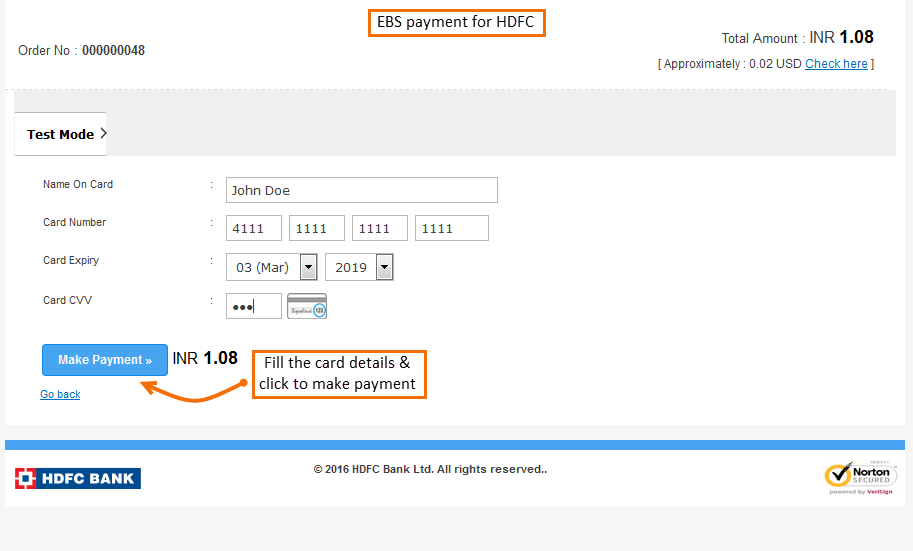
Once you place an order, it will redirect you to the EBS Payment gateway where you are asked to enter payment details. Click next to go further.
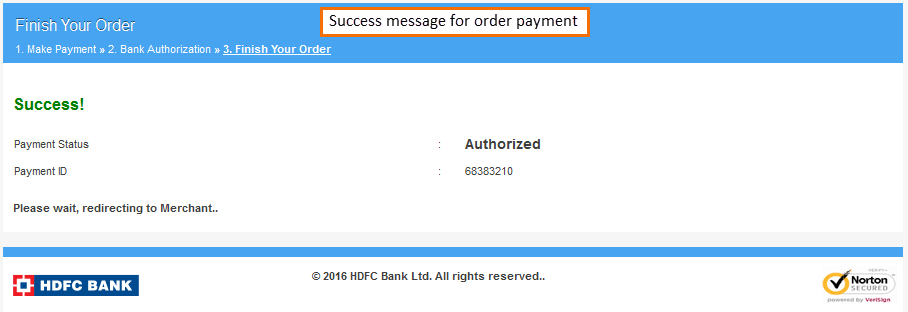
Once you have paid, you get a success message.